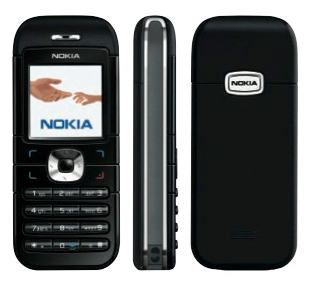
This is for the AT&T/Cingular Nokia 6030b type RM-75. If you get the newer RM-225 model you CANNOT unlock it through the site listed below. The model type is on the sticker behind the battery near the IMEI code.
- Go to http://www.gsmliberty.net/shop/nokia_unlock.php.
- Select phone model 6030B and select “U.S.A.–CINGULAR – Pacific Bell Wireless” as the carrier.
- You will need the 15-digit IMEI number from the phone. It’s on the sticker under the battery, and you can also get it by entering *#06# on the phone. (Both of these should give you the same number! Enter the number on the form also, and click “Get my codes!”.
- Remove the SIM from the phone (it’s under the battery), replace the battery, and power the phone back up. It will say “Insert SmartChip”.
- Follow the instructions from the web page to enter the code. You should get a message “Phone restriction off” which means the phone has been unlocked.
You can now put your AT&T SIM (or any other SIM) back in the phone. If the code doesn’t work, do not keep trying. After 5 attempts your phone will be permanently locked to AT&T/Cingular.