In Linux you can use the command “ldd” to display what shared libraries a program requires. This is handy if you need to figure out what missing libraries are required to get a program running. Here is the syntax for the Linux ldd command along with example usage for it:
ldd pathToExecuteable
Example:
ldd /usr/bin/ftp
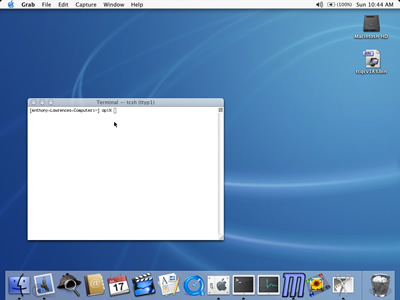
Mac OS X does not include the ldd command. Instead you need to use the command “otool”. Otool gives you basically the same information as what ldd does in Linux. Here is the syntax for the otool command along with example usage for it:
otool -L pathToExecuteable
Example:
otool -L /usr/bin/ftp